
TurboCollage安装使用教程
时间:2022-02-07 13:12:21
小编:斜杆下载
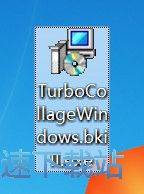
首先我们下载TurboCollage,下载完成后我们找到安装文件“TurboCollageWindows.bkill.exe”,我是下载到桌面的,你可以根据自己需要选择下载目录,双击图标出现安装界面:
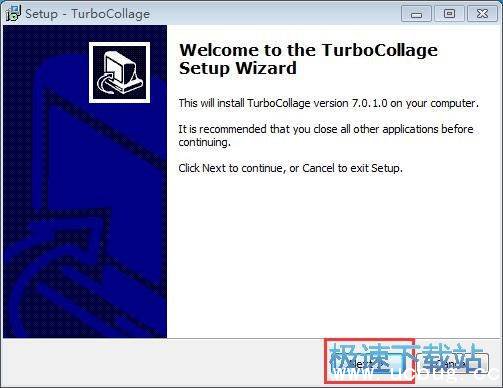
Welcome to the TurboCollage Setup Wizard
This will install TurboCollage version 7.0.1.0 on your computer.
It is recommended that you close all other applications before continuing.
Click Next to continue,or Cancel to exit Setup.
点击“NEXT”下一步继续
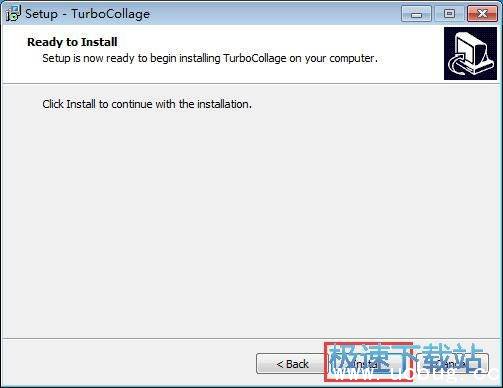
Ready to Install
Setup is now ready to begin installing TurboCollage on your computer.
Click Install to continue with the installation.
点击“Install”安装即可。
TurboCollage的安装教程就讲解到这里,希望对你们有帮助,感谢斜杠下载站的支持!